To download court orders online in India, open the eCourts Services portal (services.ecourts.gov.in), select 'Court Orders', search by Case Number, Party Name, or CNR Number, enter the CAPTCHA, and click on the PDF link next to the order date. Automated platforms like LegalZoo allow advocates to auto-download and archive order PDFs into a organized cloud vault automatically.
Why Online Access to Court Orders Is Essential for Advocates
In modern Indian litigation practice, obtaining prompt copies of interim orders, bail orders, injunctions, and final judgments is critical. Previously, advocates had to send court clerks (munshis) to physical court copy branches, taking days or weeks to retrieve physical copies.
With the digitization of Indian district judiciary and High Courts under the eCourts Project Phase III, court orders are now routinely uploaded to official government portals.
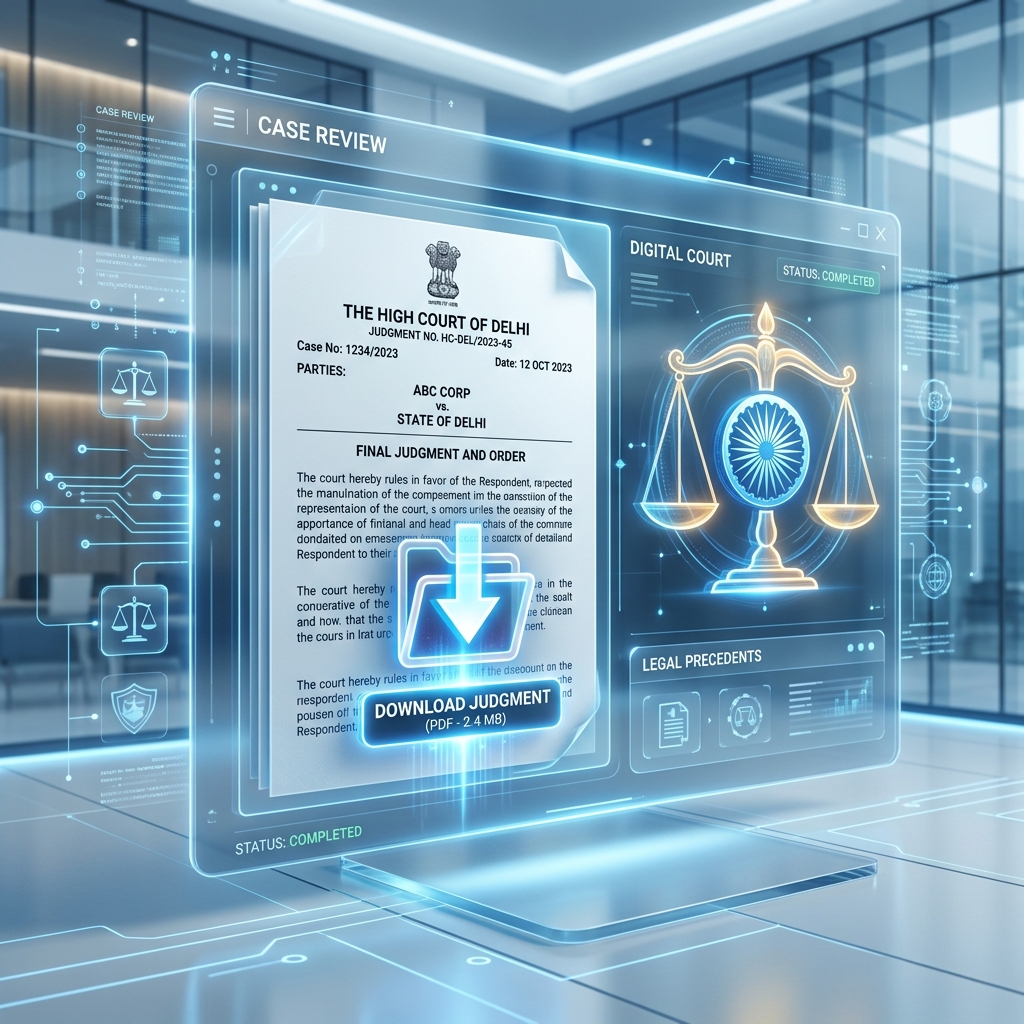
Method 1: Download Orders via eCourts Official Portal (Manual Steps)
Follow these steps to locate and save court order PDFs manually:
Step 1: Access eCourts Services Portal
Open your browser and navigate to services.ecourts.gov.in.
Step 2: Navigate to "Court Orders"
Select the "Court Orders" tab from the main navigation menu. You will be presented with three search options: * Search by Case Number * Search by Court Order Date * Search by Party Name / Advocate Name
Step 3: Enter Case Details & CAPTCHA
- Select your State, District, and Court Complex from the drop-down menus.
- Input the exact Case Type (e.g., CS - Civil Suit, BA - Bail Application, CC - Criminal Case) along with the Case Number and Year.
- Solve the security CAPTCHA image and click Search.
Step 4: Locate and Download PDF
Scroll down to the Order History table. Click the "Order / Judgment PDF" link corresponding to your hearing date. The browser will open or save the PDF document.
Common Challenges in Manual Order Retrieval
| Challenge | Impact on Litigation Practice |
|---|---|
| CAPTCHA Barrier | Every order download requires manual CAPTCHA solving. |
| Server Downtime | eCourts peak hours (10:00 AM - 2:00 PM) frequently experience slow loads. |
| Purged Files | Older order PDFs sometimes become inaccessible or corrupted on server updates. |
| No Notification | Advocates must manually re-check case pages daily to see if orders are uploaded. |
Method 2: Automated Order Downloading with LegalZoo
Advocates managing 15+ cases cannot afford to manually check eCourts every evening. LegalZoo automates the entire order retrieval lifecycle:
- Automatic Order Polling: LegalZoo checks your saved CNR cases daily for new uploads.
- One-Click Order Vaulting: Downloaded PDFs are parsed and organized inside a dedicated Case Vault categorized by hearing date.
- Instant Email Alerts: Receive instant email notifications with the order attached whenever a court issues a new direction.
Pro Tip for Litigation Firms: Keep a cloud backup of all interim orders. eCourts portals periodically archive old cases, making automated local vault storage essential for long trials.
Conclusion
Digitizing your order collection process saves 1-2 hours daily in office administration. Stop wasting time manually refreshing eCourts.
Create your LegalZoo account to automate eCourts order tracking →